
Below are a few fun projects I was lucky enough to be apart of.
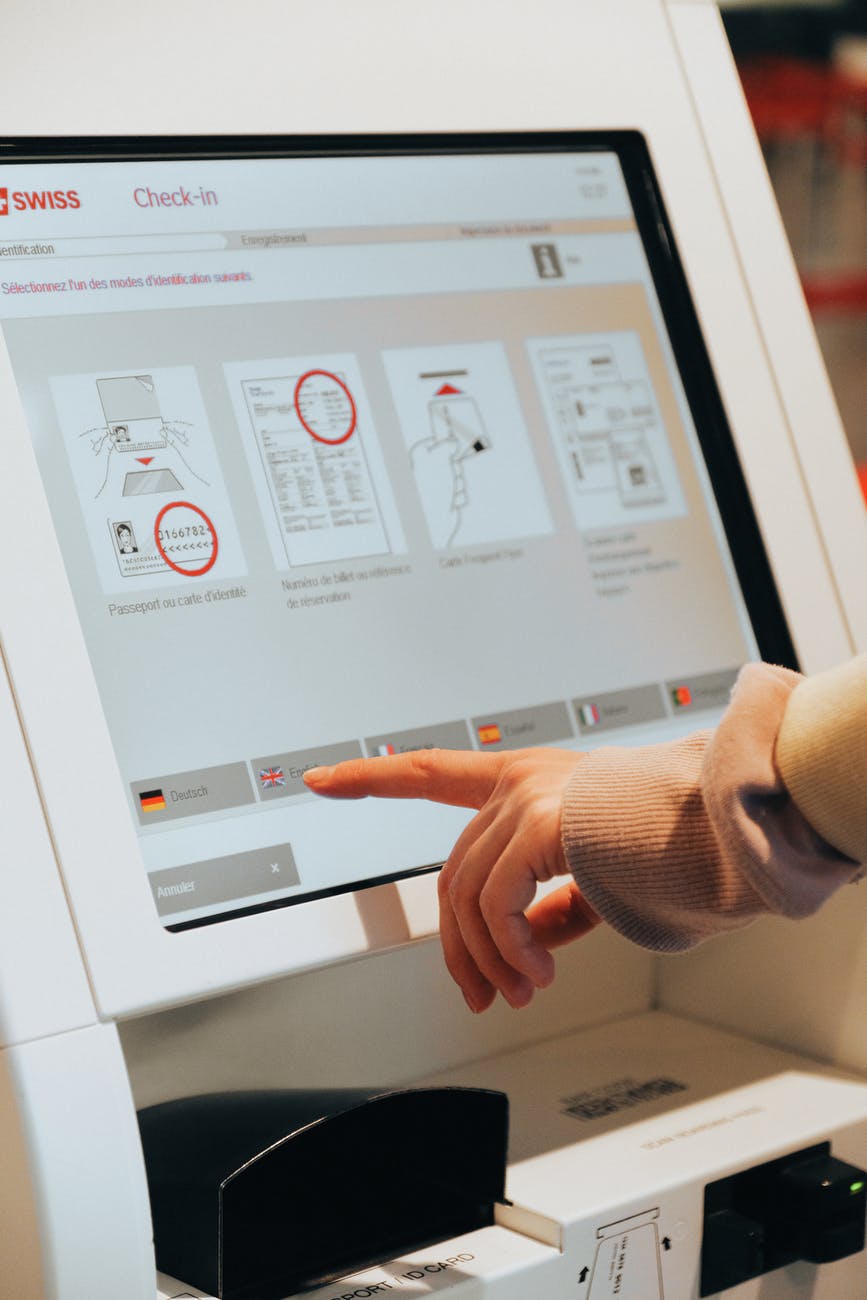
Touch Screen Technology
I was one of the technical SME’s for Tyco’s Human Interactive Devices (touch-screen) division for close to two decades. Touch-screen technology is now common place, but in the early days it was more of an art. Something that wasn’t well documented, you had to almost live it to understand it. Over these years of “living” HID, I needed to train/present/discuss this technology to a wide audience of people. This presentation is something I developed as a primer for those who wanted to go deeper than the “speeds and feeds”. I used it often and if anyone reading this needs to use the information – please feel free (citation would be appreciated). I’ve tried to remove any and all trade names to make this as generic as possible – please forgive me if I missed any.
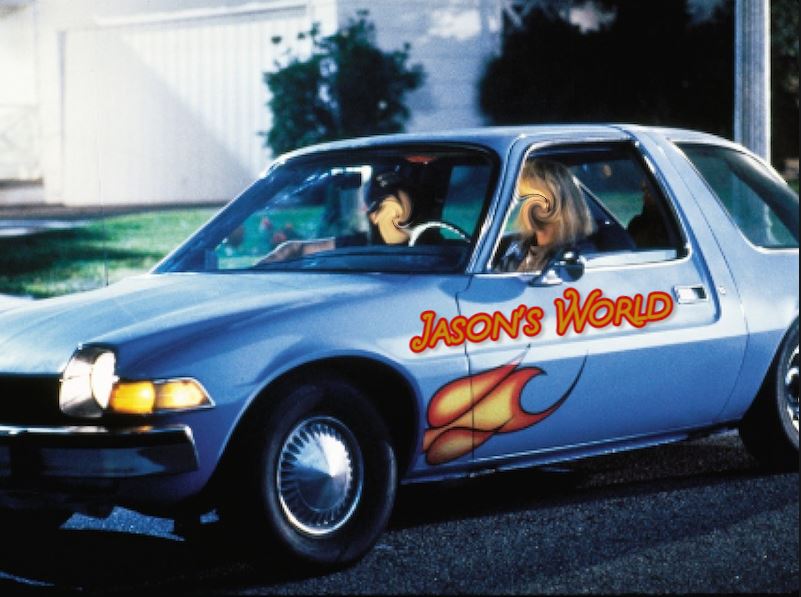
Jason’s World – Party On!
Video summary of a very fun project! Another coworker and I; tired of writing “product memo’s and the like” – which is read, were not remembered. Decided to try and make silly training videos. The idea was: If someone is going to make a fool of themselves – you pay attention to see the wreckage! We themed this Jason’s World (loosely related to a popular movie). The video at the link is a summary I made of the entire debacle. The full “franchise” was hours of video dozens of unique videos were made. All of this was done on a very limited budget and I was using basic video editing tools – we didn’t even have a camera man… Remember all of this as you view:)

The bleeding edge upgrade
The XP machines discussed in “Ghosts in the Machine” were all consumer based Dell towers, clocking in at 12-17 years old (Dell has an excellent support site btw). These machines had been running 24×7 for that time, and the power settings were “max performance”. So, spinning HDD failure was a weekly event. I observed many “fixed” machines being fixed with used drives :(. Upgrading to SSD was in order!

The video efforts for Jason’s world pushed me to start a new format for FAQs. I was already hosting reoccurring open door meetings, an open line where I would give product updates. This forum quickly became a place where people in the field would drop in quickly to: ask question, tell me about things/issues/products they were seeing… So I decided to take the questions and info I was getting and use that to produce quick responses. The idea was a 1-2 minute video response. These videos were housed on a searchable page… The videos were not high budget items – I did them with freeware – but they were a huge success, and quite fun for me!
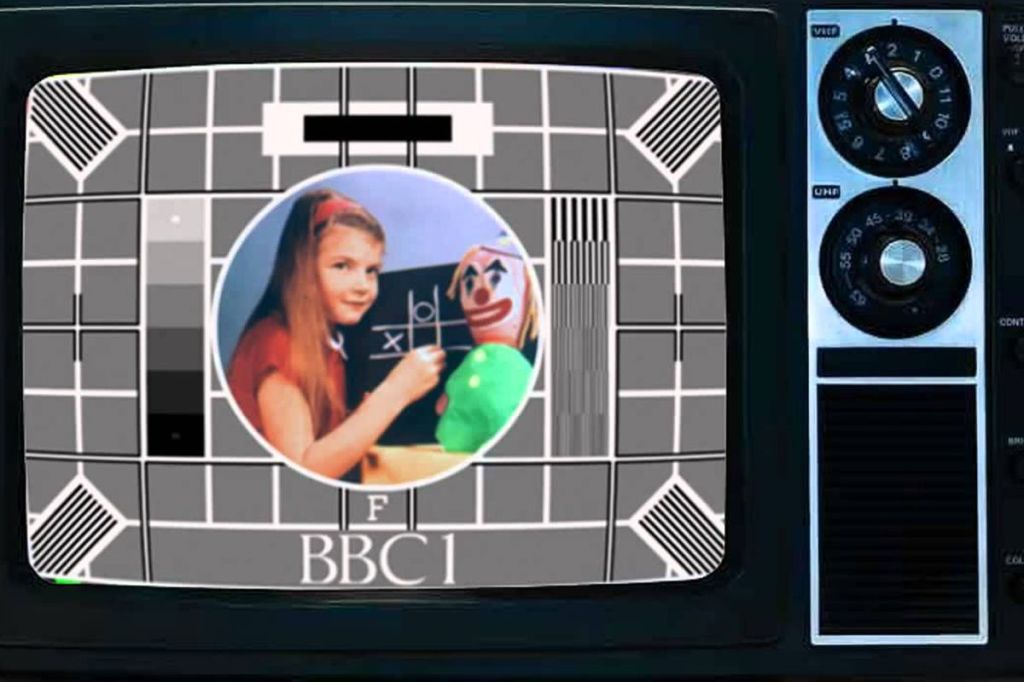
LCD life – Find the dim display…
This was an interesting technical challenge I needed to solve. The client had a mix of varying age video monitors in kiosks distributed throughout the US. A mechanism was needed that would allow non-expert field agents to identify which units needed to be replaced and which were ok to remain in service. After much experimenting, I was able to come up with a test using a Graduated Contrast Image I pushed to the screens. The person in front of the screen could answer questions about what they saw, snap a picture with their phone and summit. From there the data was reviewed and products were stack ranked. The link or image takes you to a summary of the work – I removed trade names to protect the innocent!

Ghosts in the machine
A project I dreaded – trying to figure out why XP machines (yes XP and yes in 2020!) were randomly disconnecting from a production network. In the end I learned or relearned a lot – cmd programing has came a loooong way in 15 years – and yes it was kinda fun. I still think its crazy that XP is being used – but I have plans to fix that to. I blogged about this here. If you want to see the scripts, they are here.

A video project I did on something called a Why, Why analysis. a Why Why is basically a root cause tool. The 50K ft view is you keep asking Why something happened until you get to root cause. There was lots of confusion from my team on how to exactly do this so, I thought maybe a video! This video was a bit of a departure from my earlier videos, where it was an actual person. He I experimented with making a sort of animated video. PowerPoint has the ability to export a .ppt into an mp4 – then I just moved that to editing to clean up things like timing, and music.
 The Road