No offense to WordPress, but I wanted to try my hand at ground-up webdev. I built fordjason.com using VS-Code and lots, lots, lots of help from google/youtube/and all the web peps. I’m impressed by the amount of information ‘out there’ and recommend anyone who wants to try something – just jump in. People will help you.
Category Archives: Uncategorized

Hayesville, NC
Friday Dec 18th, 2020. I took a quick road trip from Knoxville TN to Hayesville, NC. I’ve been around Hayesville before, but never really stopped. However, after seeing a brewery and and new pub open up on Google Maps, I decided to take a few hours and check it out. If you are in the area, its worth a look.
The down-town is small, but does have several shops and eateries as well as amazing views of the mountains. The courthouse is in the center of town, with the shops and restaurants surrounding the square. For such a small town, I was surprised how many people were there shopping, eating, or just hanging out. I would assume that warmer weather would bring even more people to Hayesville’s streets. On a personal note, I think its great to see people in Small-Town-America staying local verses heading out to the giant malls and big-box stores.
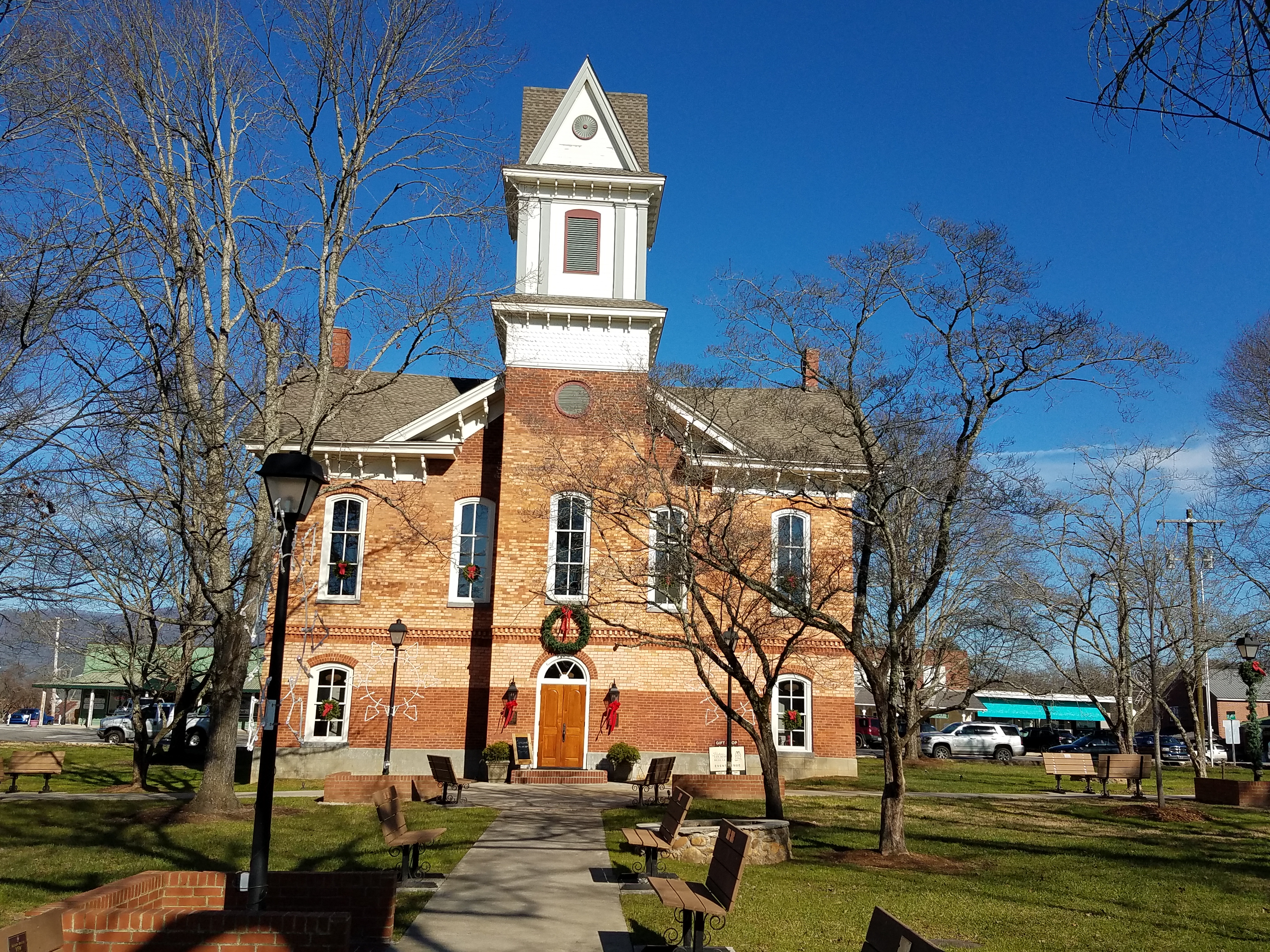
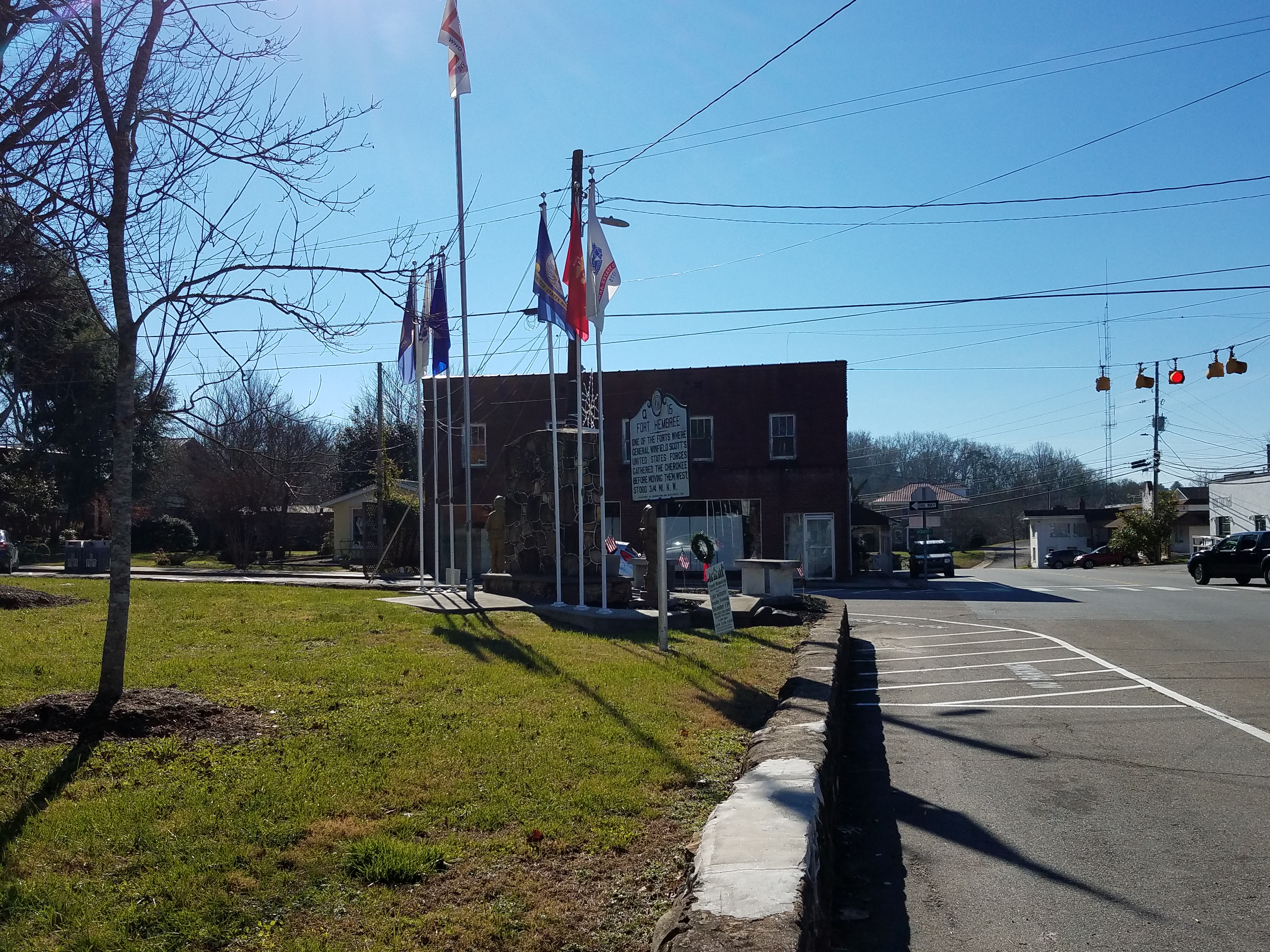
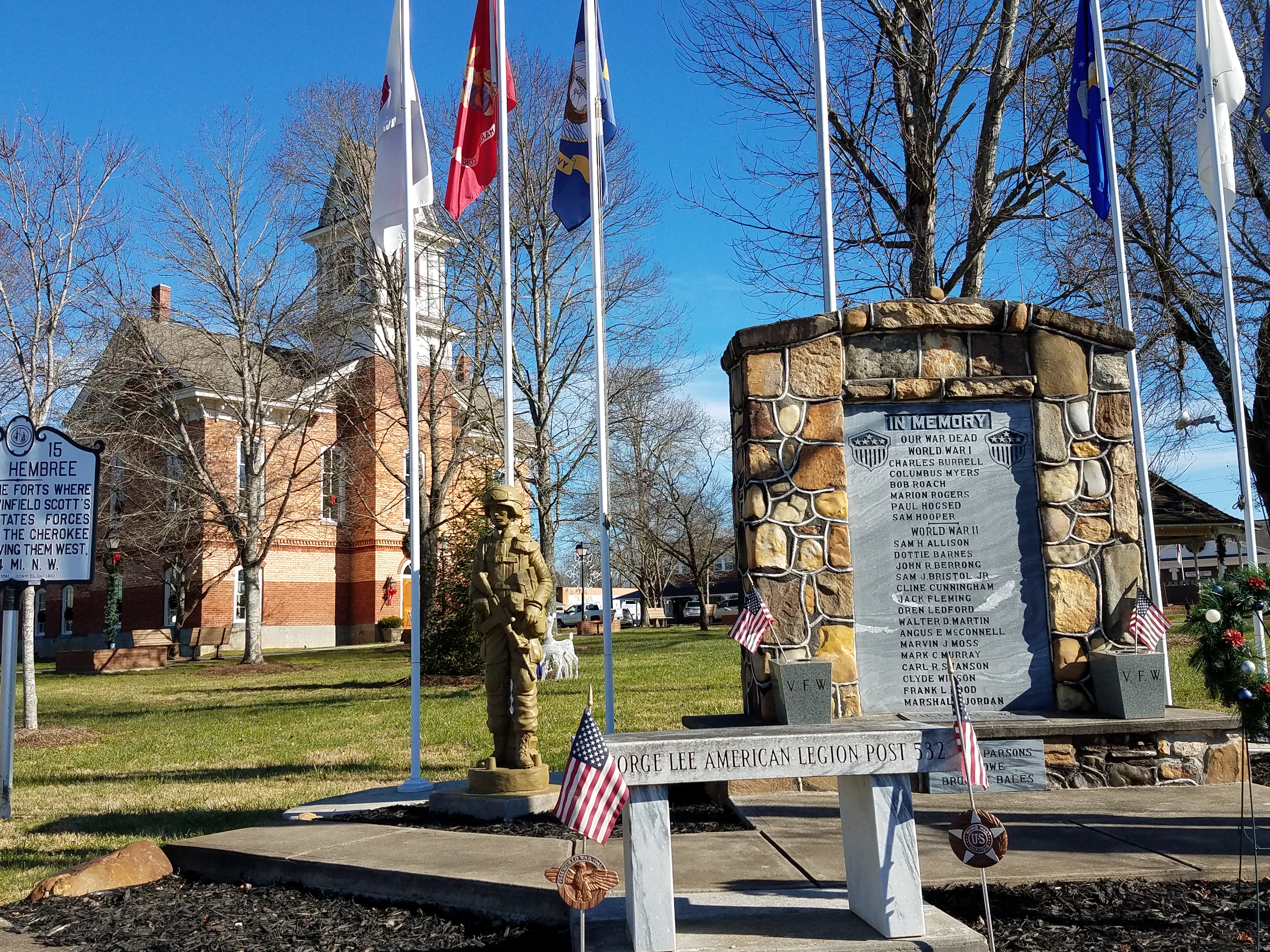
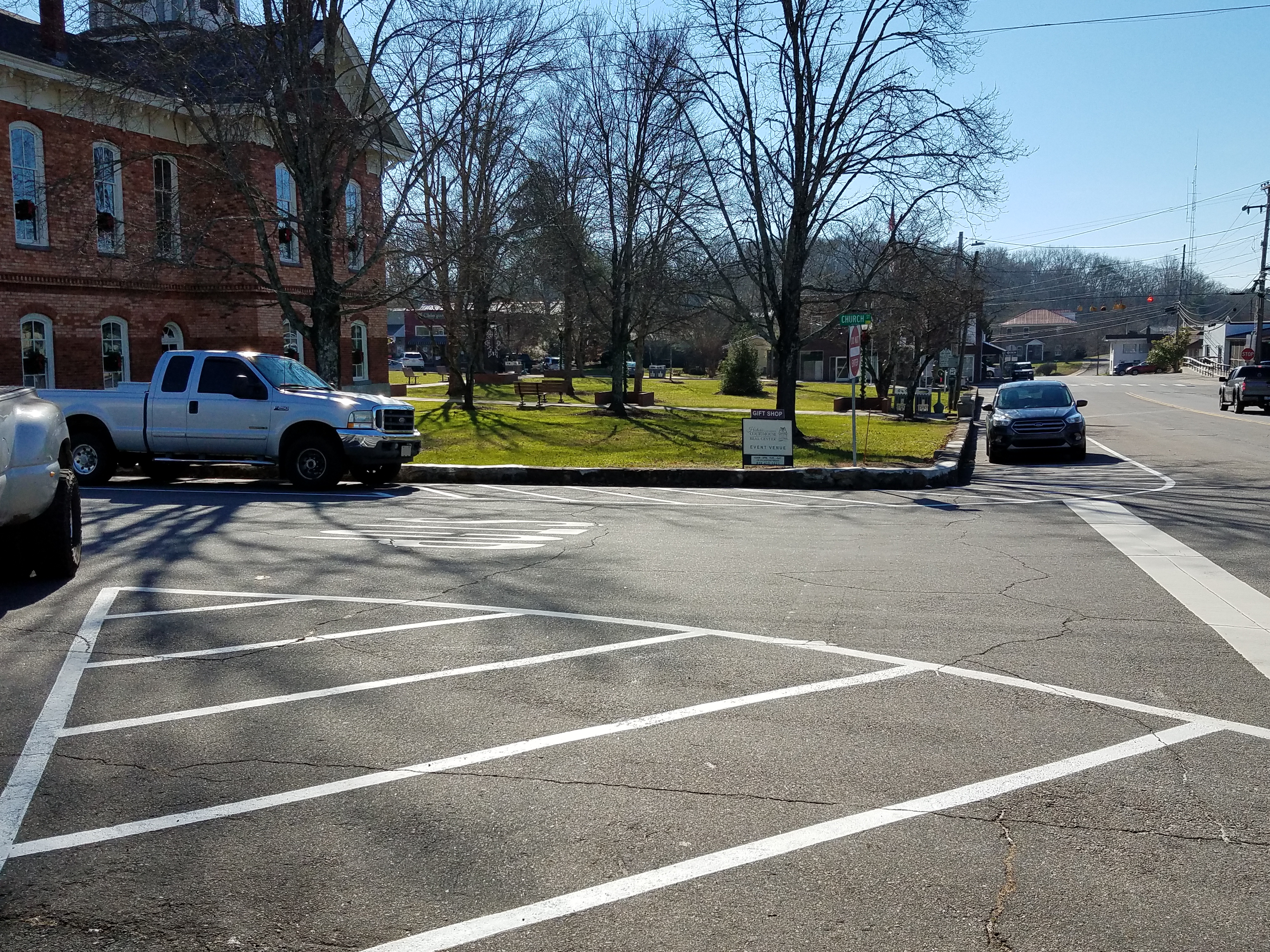
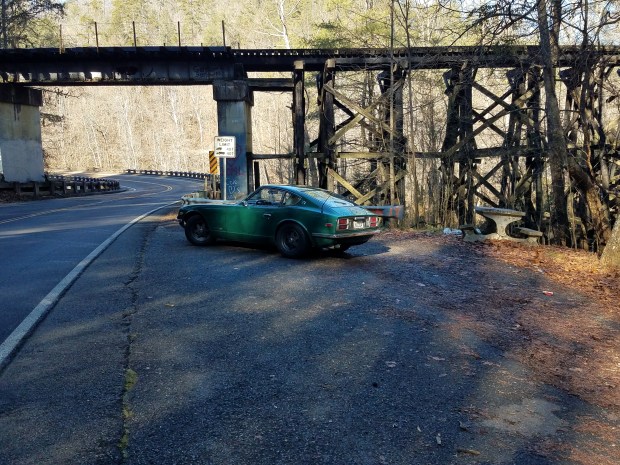
On the way in, there is a railroad tussle on hwy 68 near the TN/NC boarder – it made a great spot to snap a picture. 35°10’03.5″N 84°18’58.7″W
Hello World
Technically this isn’t this sites first entry, but I got ahead of myself and posted one before my “hello world” post. Thus the correction now. Welcome to my site: The Road. My main goal here is to learn WordPress. I used to build sites for myself and others 10 or so years back using FP and Expression, but now-a-days everyone seems to be using WP… So here I am. A secondary goal will be to have fun and share said fun!
Lacquer paint, oh how I loath thee
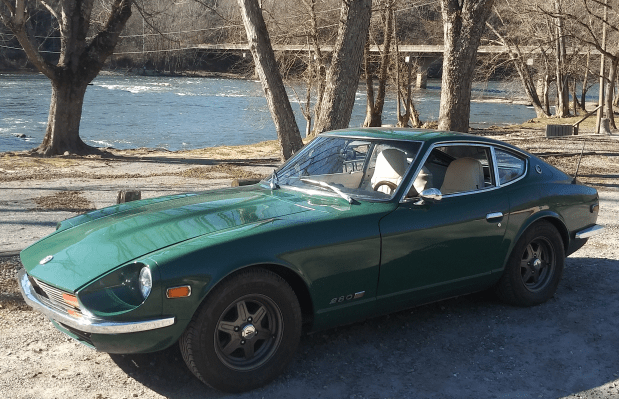
Actually it is a love hate relationship… I like painting my own cars. Am I good at it, well I guess I’m not bad but I doubt you’ll be seeing me on the car TV shows! So, over the years I’ve painted several cars. Typically I would use the latest and greatest paint technology, but as of late I’ve been experimenting with Lacquer. For the un-initiated, lacquer is one of the older automotive paint technologies. Lacquer started phasing out in the 60’s and 70’s for enamels and urethans. When I was younger, I heard the village elders wax-poetic about 10 coats of hand rubbed Lacquer, and being able comb your hair in the mirror reflection. So a few years back I painted a motorcycle with Lacquer, it came out well enough. I wasn’t going to use the fenders to get dressed by – but they had flatter paint and more shine than many other things I had done. And the best part was the paint was forgiving. Damage it in some way – you could simply brush paint over the problem, sand and buff to a shine. So when I had another car project – I thought lets do that in Lacquer also. The difference here is scale. The motorcycle parts I could carry around with me, work on them while sitting on the back deck or the like. But a car is much less portable. Additionally when you have so much to do – it actually becomes work…. To make it feel less like work. I try to break things us. On the first pass I got it OK looking, drove for a while, then worked on it another weekend. And so on an so forth. Now I have the details to do. The car looks great from a distance, but up close you see little scratches that have to be rubbed (sanded with high grit then buffed) out. Its time consuming, but still kinda rewarding.
Ghosts in the machine
I was recently given a technical challenge at work. We have a network of very old PCs running circuit assembly robots – and by old I mean the entire network is built on XP… The systems were installed years ago, there was little to no proactive network maintenance since the machines were installed. At some point along the way, the systems developed a bad habit of going “off-line” – they left the network. This would stop the production line, a tech would come over and physically reboot the machine (they are all configured to auto-run their apps, so this was the easiest recovery). Did I mention these machines were old? So, rebooting has the very real possibility of not booting due to it having a 15 year old magnetic disk. After watching this happen over and over, I began to see patterns with the issue and the load on the production network. Digging a bit deeper I saw that the machines (basic XP machines) had dozens of IPs connected (net server command). The connections were internal, as this network is not connected externally. And I could see that these IPs were from all over the campus as based on he IPs. I could kick remove the connections, then monitor and actually watch the IPs re-attach. XP, as an unwritten rule – or maybe it was written (XP was a long time ago) only allowed so many concurrent connections. What was happening was specific machines needed to be connected to each other, but as more and more connected – at some point the system disconnected the connection that was required. My assumption was a race condition and the connection being idle as the connection was only used to momentarily every 70 to 90 seconds. I had not idea how to stop all of these rouge machines from connecting – but I thought I could write a script to use the pipe I needed more often – thus not letting it go idle and be disconnected. The initial solution was simple, a .txt file on one machine and a script top launch and close the connection every 10 seconds or so. That worked great! However, the next issue was operators closing the program (even when I titled the command window “Do Not Close”) . So I had to make it more robust. First it would detect if it was running, if not go back to the beginning of the script and relaunch. Later I made it launch, then hide itself from view, eventually compiling it to an .exe with its own installer and GUI. In the end, it was a fun project trying to beat the “users abuse” and having to do this all in XP – which had several scripting/command/language/documentation challenges just by being so vintage (lots of the XP content has been removed from the discussion boards!). You can find the scripts on the Professional Projects page if you are interested.
Introduce Yourself (Example Post)
This is an example post, originally published as part of Blogging University. Enroll in one of our ten programs, and start your blog right.
You’re going to publish a post today. Don’t worry about how your blog looks. Don’t worry if you haven’t given it a name yet, or you’re feeling overwhelmed. Just click the “New Post” button, and tell us why you’re here.
Why do this?
- Because it gives new readers context. What are you about? Why should they read your blog?
- Because it will help you focus your own ideas about your blog and what you’d like to do with it.
The post can be short or long, a personal intro to your life or a bloggy mission statement, a manifesto for the future or a simple outline of your the types of things you hope to publish.
To help you get started, here are a few questions:
- Why are you blogging publicly, rather than keeping a personal journal?
- What topics do you think you’ll write about?
- Who would you love to connect with via your blog?
- If you blog successfully throughout the next year, what would you hope to have accomplished?
You’re not locked into any of this; one of the wonderful things about blogs is how they constantly evolve as we learn, grow, and interact with one another — but it’s good to know where and why you started, and articulating your goals may just give you a few other post ideas.
Can’t think how to get started? Just write the first thing that pops into your head. Anne Lamott, author of a book on writing we love, says that you need to give yourself permission to write a “crappy first draft”. Anne makes a great point — just start writing, and worry about editing it later.
When you’re ready to publish, give your post three to five tags that describe your blog’s focus — writing, photography, fiction, parenting, food, cars, movies, sports, whatever. These tags will help others who care about your topics find you in the Reader. Make sure one of the tags is “zerotohero,” so other new bloggers can find you, too.
Introduce Yourself (Example Post)
This is an example post, originally published as part of Blogging University. Enroll in one of our ten programs, and start your blog right.
You’re going to publish a post today. Don’t worry about how your blog looks. Don’t worry if you haven’t given it a name yet, or you’re feeling overwhelmed. Just click the “New Post” button, and tell us why you’re here.
Why do this?
- Because it gives new readers context. What are you about? Why should they read your blog?
- Because it will help you focus your own ideas about your blog and what you’d like to do with it.
The post can be short or long, a personal intro to your life or a bloggy mission statement, a manifesto for the future or a simple outline of your the types of things you hope to publish.
To help you get started, here are a few questions:
- Why are you blogging publicly, rather than keeping a personal journal?
- What topics do you think you’ll write about?
- Who would you love to connect with via your blog?
- If you blog successfully throughout the next year, what would you hope to have accomplished?
You’re not locked into any of this; one of the wonderful things about blogs is how they constantly evolve as we learn, grow, and interact with one another — but it’s good to know where and why you started, and articulating your goals may just give you a few other post ideas.
Can’t think how to get started? Just write the first thing that pops into your head. Anne Lamott, author of a book on writing we love, says that you need to give yourself permission to write a “crappy first draft”. Anne makes a great point — just start writing, and worry about editing it later.
When you’re ready to publish, give your post three to five tags that describe your blog’s focus — writing, photography, fiction, parenting, food, cars, movies, sports, whatever. These tags will help others who care about your topics find you in the Reader. Make sure one of the tags is “zerotohero,” so other new bloggers can find you, too.
 The Road